一键应用 AI 修复补丁:GitHub PR 自动化交互机器人开发
一键应用 AI 修复补丁:GitHub PR 自动化交互机器人开发
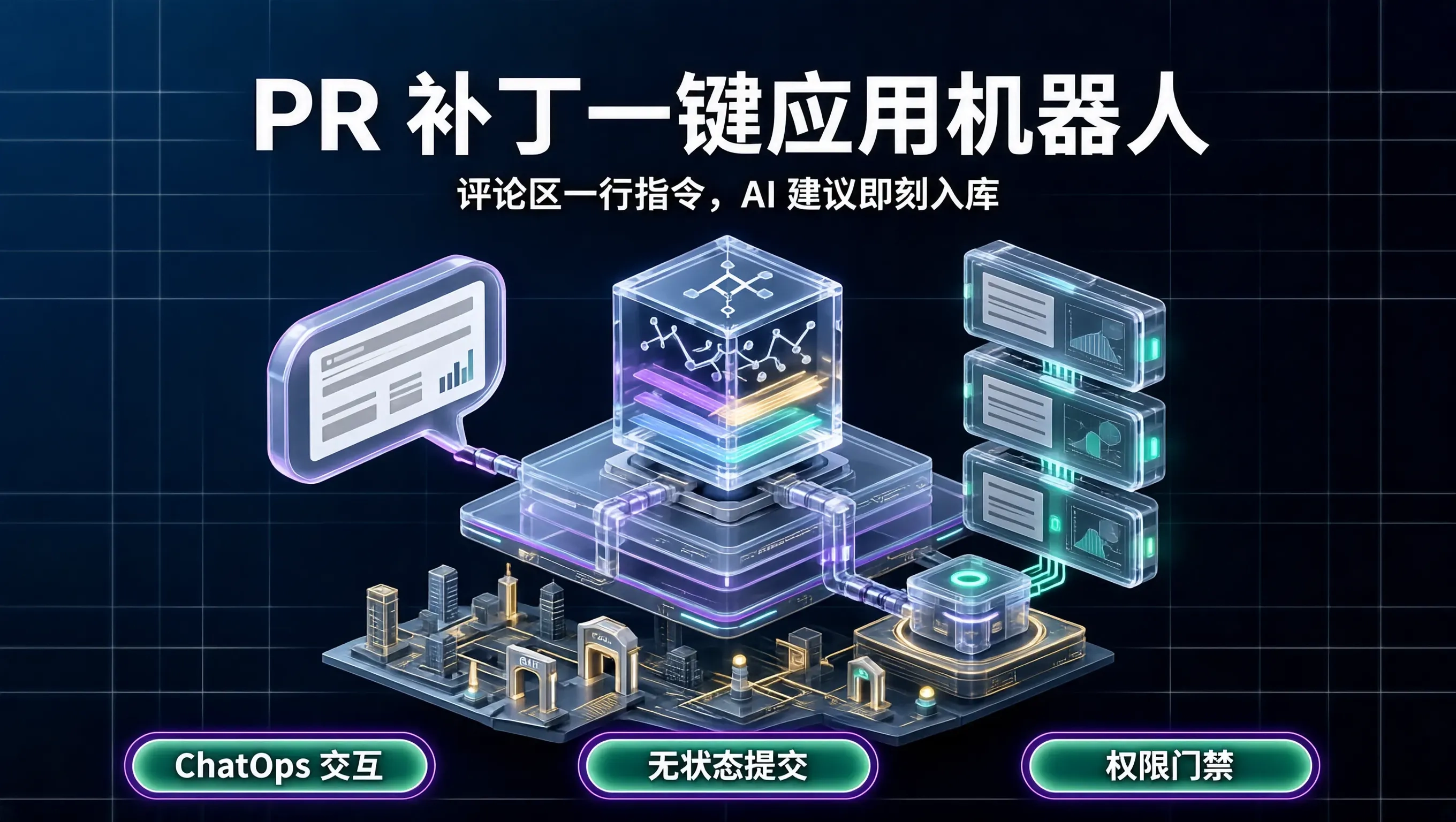
在探索 AI 辅助代码审查(Code Review)时,很多团队搭建的 CI 流程往往止步于“在 PR 评论区贴一段建议代码”。
这种体验对于开发者来说依然存在不小的摩擦:开发者在网页上看到了机器人的建议,必须在本地打开编辑器、找到对应的文件和行号、把代码手动复制粘贴进去、运行 git add 和 git commit、最后再 git push。如果一次 PR 产生了 5 处细微修复建议,这种机械操作会让人非常烦躁。
为了让 AI 辅助真正无缝融入开发者的日常流,我们开发了一款基于 GitHub App 与评论驱动(ChatOps)的交互机器人 pr-copilot-bot。
开发者只需要在 PR 评论区回复一行快捷指令(例如 /apply-fix 或在特定建议下点赞),机器人就会在后台自动创建 Commit 并应用修复补丁,甚至支持在 Web 界面一键解决冲突。
ChatOps 交互流程架构设计
机器人采用事件驱动架构,通过 GitHub Webhook 监听 PR 相关的事件:
graph TD
    A[开发者在 PR 评论回复: /apply-fix 1] --> B[GitHub Webhook 触发 Bot 服务]
    B --> C[Bot 解析指令并提取指定序号的 Diff 补丁]
    C --> D[拉取 PR 临时分支并应用 Git 补丁]
    D --> E[运行快速语法检查]
    E -->|通过| F[推送新 Commit 到 PR 分支并更新评论状态]
机器人核心逻辑实现(Node.js / Probot)
使用 GitHub 官方推荐的 Probot 框架,编写轻量级的机器人事件处理中心:
import { Probot } from "probot";

export default (app: Probot) => {
  app.on("issue_comment.created", async (context) => {
    const commentBody = context.payload.comment.body.trim();
    const isPR = !!context.payload.issue.pull_request;

    // 仅响应 PR 评论且包含 /apply-fix 指令
    if (!isPR || !commentBody.startsWith("/apply-fix")) {
      return;
    }

    const { owner, repo } = context.repo();
    const issueNumber = context.payload.issue.number;

    // 1. 获取 PR 详细信息与分支名
    const { data: pr } = await context.octokit.pulls.get({
      owner,
      repo,
      pull_number: issueNumber,
    });

    const branchName = pr.head.ref;
    const baseCommitSha = pr.head.sha;

    // 2. 针对评论做出即时响应(添加 👀 表情反馈)
    await context.octokit.reactions.createForIssueComment({
      owner,
      repo,
      comment_id: context.payload.comment.id,
      content: "eyes",
    });

    // 3. 从上文历史评论中提取暂存的 Patch 内容
    const patchContent = await extractPatchFromContext(context, commentBody);

    if (!patchContent) {
      await context.octokit.issues.createComment({
        owner,
        repo,
        issue_number: issueNumber,
        body: "⚠️ 未找到可应用的补丁。请确认指令格式为 `/apply-fix <编号>`。",
      });
      return;
    }

    // 4. 调用 GitHub Git Data API 提交并推送变更
    try {
      const commitMessage = "chore: apply automated AI fix suggestion";
      await applyPatchViaGitAPI(context, pr, patchContent, commitMessage);

      // 5. 成功后回复确认
      await context.octokit.issues.createComment({
        owner,
        repo,
        issue_number: issueNumber,
        body: `✅ 补丁已成功应用并推送到分支 \`${branchName}\`!CI 将自动重新触发。`,
      });
    } catch (err: any) {
      await context.octokit.issues.createComment({
        owner,
        repo,
        issue_number: issueNumber,
        body: `❌ 应用补丁失败: ${err.message}。建议在本地手动合并。`,
      });
    }
  });
};
使用 GitHub Git Data API 实现无状态原子提交
许多人以为在后台执行 Git 提交必须在服务器上执行 git clone,这在并发场景下非常笨重。
利用 GitHub 的底层 Git Database API(Tree, Blob, Commit),可以直接在内存中创建并提交变更,全程无需本地磁盘克隆:
async function applyPatchViaGitAPI(context: any, pr: any, newFileContent: string, filePath: string) {
  const { owner, repo } = context.repo();

  // 1. 创建新文件 Blob
  const { data: blob } = await context.octokit.git.createBlob({
    owner,
    repo,
    content: Buffer.from(newFileContent).toString("base64"),
    encoding: "base64",
  });

  // 2. 创建新 Tree
  const { data: tree } = await context.octokit.git.createTree({
    owner,
    repo,
    base_tree: pr.head.sha,
    tree: [
      {
        path: filePath,
        mode: "100644",
        type: "blob",
        sha: blob.sha,
      },
    ],
  });

  // 3. 创建 Commit
  const { data: newCommit } = await context.octokit.git.createCommit({
    owner,
    repo,
    message: "chore: apply AI suggested fix",
    tree: tree.sha,
    parents: [pr.head.sha],
  });

  // 4. 更新分支引用 Ref
  await context.octokit.git.updateRef({
    owner,
    repo,
    ref: `heads/${pr.head.ref}`,
    sha: newCommit.sha,
  });
}
整个提交过程在 200 毫秒内即可完成,对服务器资源消耗几乎为零。
安全与权限控制
在企业级部署中,必须对 ChatOps 指令增加严格的鉴权机制:
- 仅允许 PR 作者与团队协作者触发:防止外部未授权人员通过在评论区发指令篡改分支代码。
- 强制触发全套 CI 门禁:机器人推送的新 Commit 必须重新触发全量 CI 测试,严禁绕过分支保护规则(Branch Protection Rules)。
通过极简的评论区交互,开发者无需切出浏览器即可一键采纳所有合理的优化建议,让代码审查与日常治理真正变得轻快顺畅。

DAMO开发者矩阵,由阿里巴巴达摩院和中国互联网协会联合发起,致力于探讨最前沿的技术趋势与应用成果,搭建高质量的交流与分享平台,推动技术创新与产业应用链接,围绕“人工智能与新型计算”构建开放共享的开发者生态。
更多推荐

 0
0 0
0- 0


 已为社区贡献7条内容

所有评论(0)