linux安装 soapui_在Linux/Unix上安装开源测试工具SoapUI
soapUI是一个开源测试工具,通过soap/http来检查、调用、实现Web Service的功能/负载/符合性测试。该工具既可作为一个单独的测试软件使用,也可利用插件集成到Eclipse,maven2.X,Netbeans 和intellij中使用。64-bit systemsPrerequisiteMake sure that you have Java (JRE) installed on
soapUI是一个开源测试工具,通过soap/http来检查、调用、实现Web Service的功能/负载/符合性测试。该工具既可作为一个单独的测试软件使用,也可利用插件集成到Eclipse,maven2.X,Netbeans 和intellij中使用。
64-bit systems
Prerequisite
Make sure that you have Java (JRE) installed on your system
Installation
Download the Linux binary zip (no JRE) from http://www.soapui.org/
Unzip it into a preferable directory such as your home folder or /opt
Make sure that you have proper permissions on the unziped soapUI folder
Go into the folder and run $ bin/soapui.sh (open source) or $ bin/soapui-pro.sh (Pro)
32-bit systems
Once you've downloaded the installer the installation is pretty strait forward. Start it by just double-clicking on it. After preparing the installation which takes only a few seconds you'll see the starting screen:
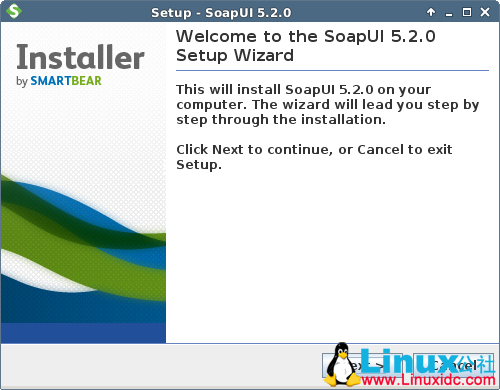
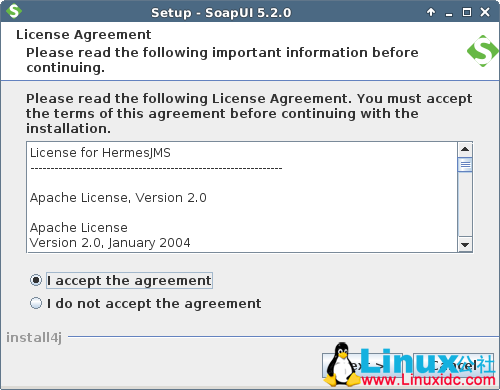
Just click Next to continue. You'll be asked to accept our license agreement
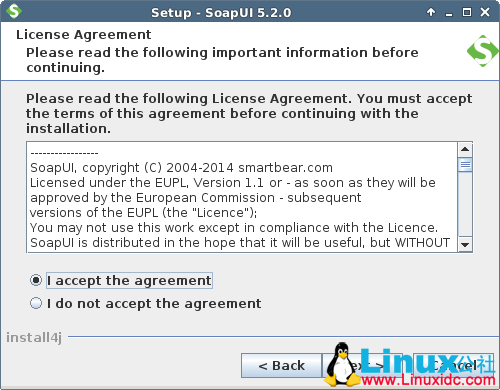
After accepting and clicking Next you'll be able to select the destination folder which by default is set to home/User/SmartBear/SoapUI-5.2.0 but can be changed.
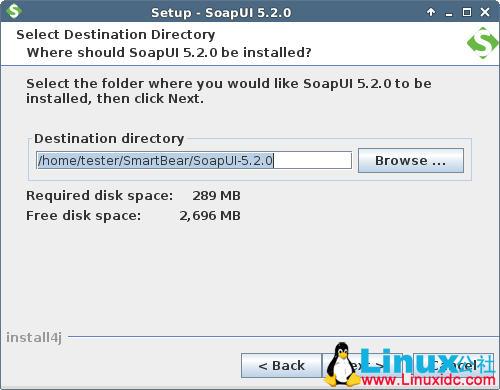
Next step gives you an opportunity to optionally include, as additional components, SoapUI source files, Hermes installation and tutorials.
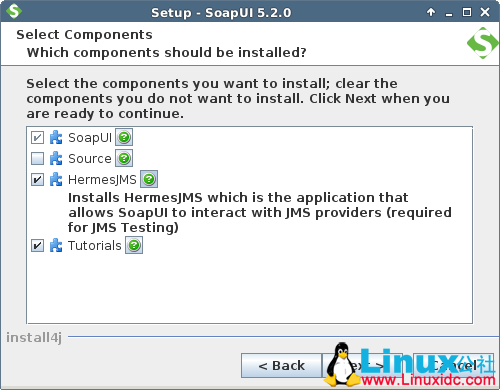
If you've chosen to install Hermes, next you'll get the Hermes license agreement
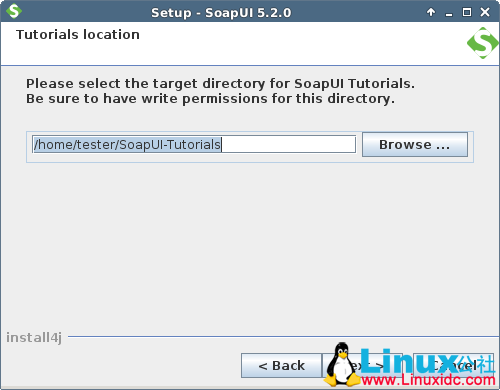
If you have chosen to install tutorials, you will then be prompted to specify the tutorials location.
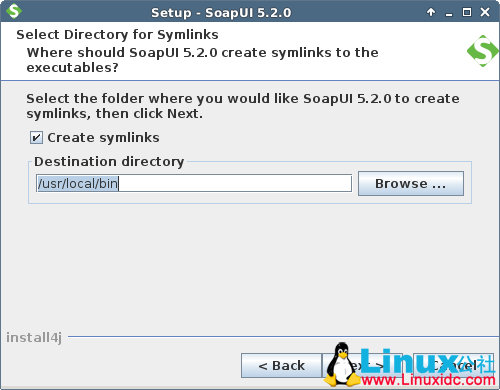
After that, specify the location where SoapUI will place symbolic links to.
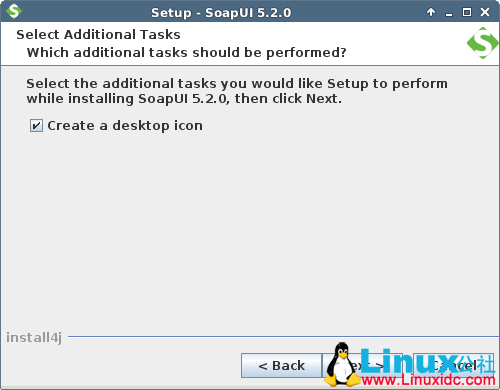
After that, a window appears where you'll be asked to select if a desktop icon should be created.
Finally, click Next to start the installation.
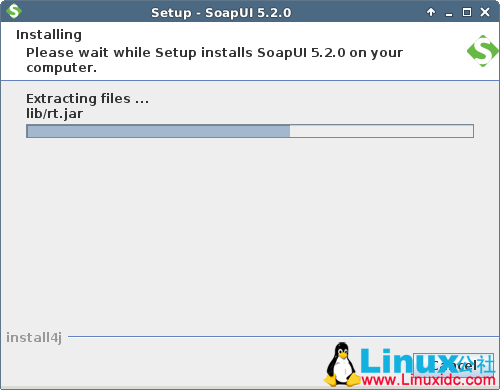
After a couple of minutes at most, the installation should be finished and you should see the next screen.
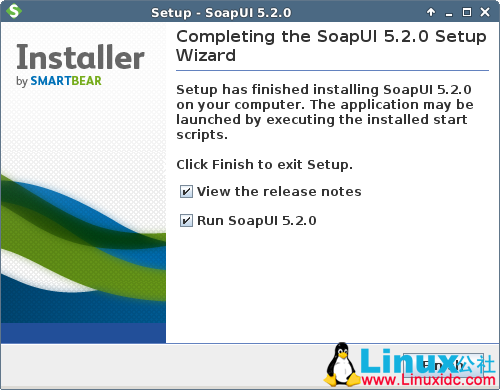
Now you are ready to use it. Good luck
SoapUI 的详细介绍:请点这里
SoapUI 的下载地址:请点这里


DAMO开发者矩阵,由阿里巴巴达摩院和中国互联网协会联合发起,致力于探讨最前沿的技术趋势与应用成果,搭建高质量的交流与分享平台,推动技术创新与产业应用链接,围绕“人工智能与新型计算”构建开放共享的开发者生态。
更多推荐


 0
0 0
0- 0


 已为社区贡献2条内容

所有评论(0)