影刀RPA 自动化舆情监控:关键词预警与报告生成
影刀RPA 自动化舆情监控:关键词预警与报告生成
作者:林焱
写在前面
品牌负面舆情一旦爆发,几个小时内可能蔓延全网。靠人工每天刷微博、知乎、新闻,根本来不及。影刀可以帮你搭一套7×24小时的舆情监控系统:定时采集多个平台的内容→关键词匹配→情感初步判断→有风险立即推送告警。
本文从零到一搭建这套系统。
一、系统架构
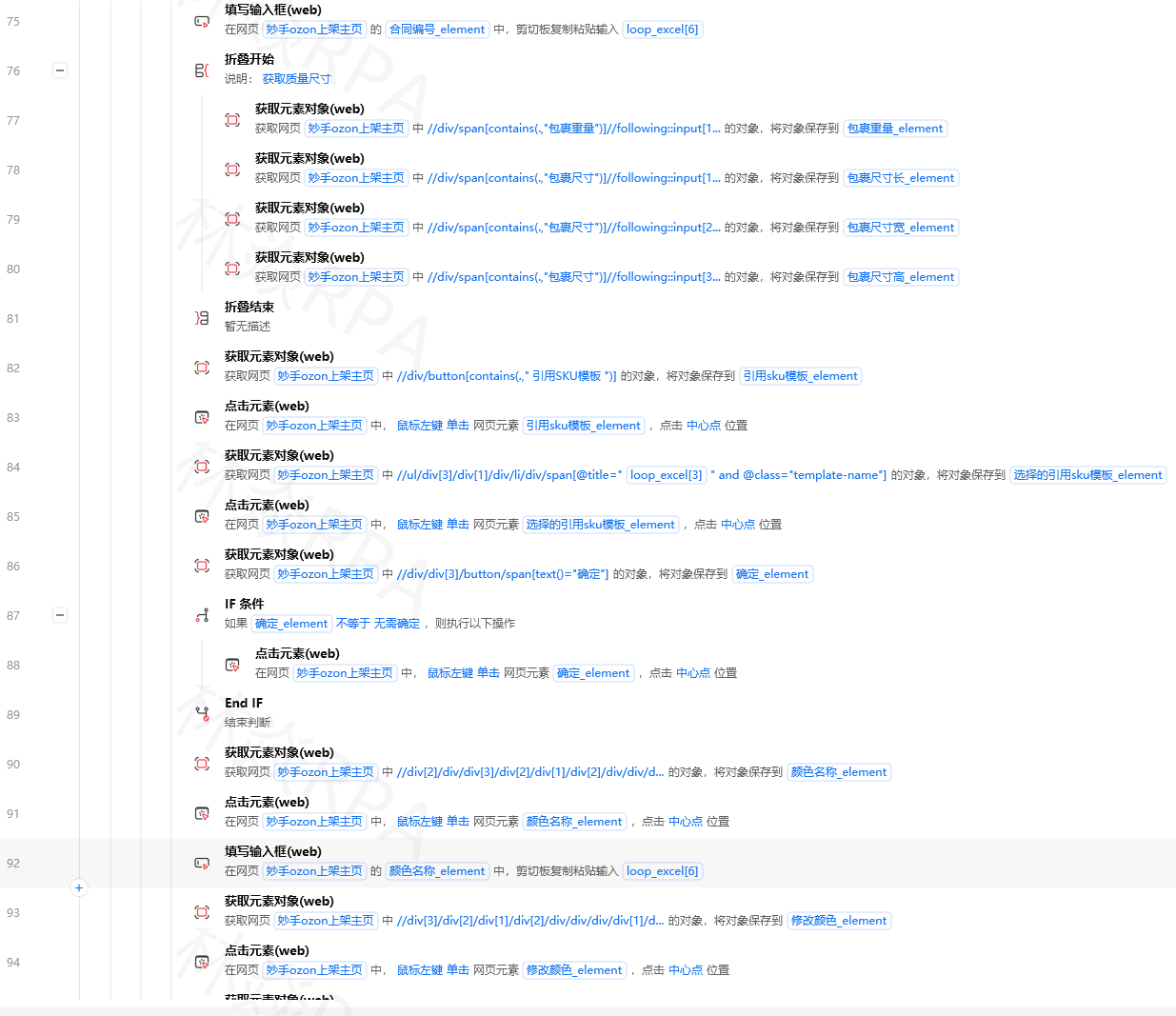
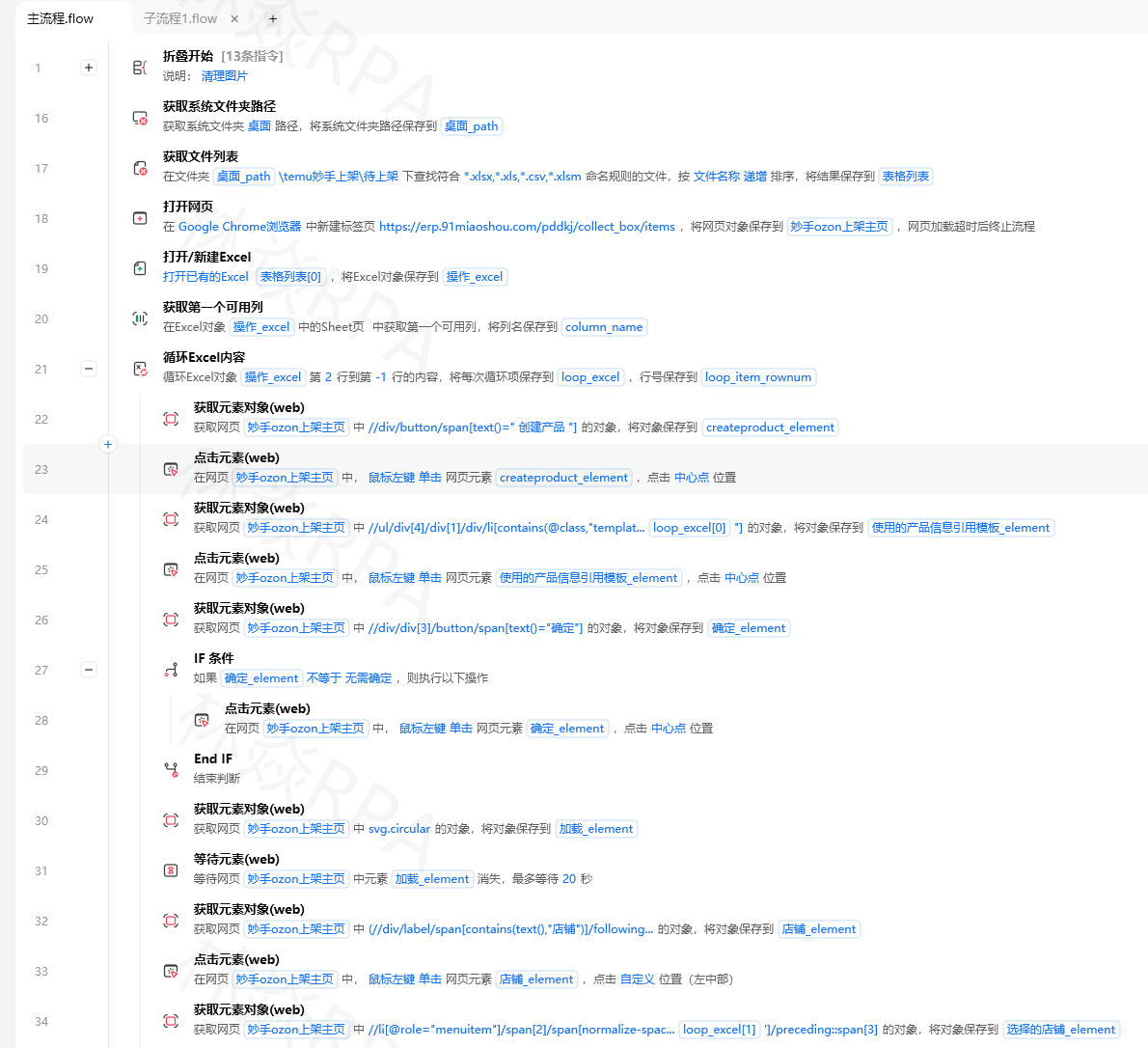
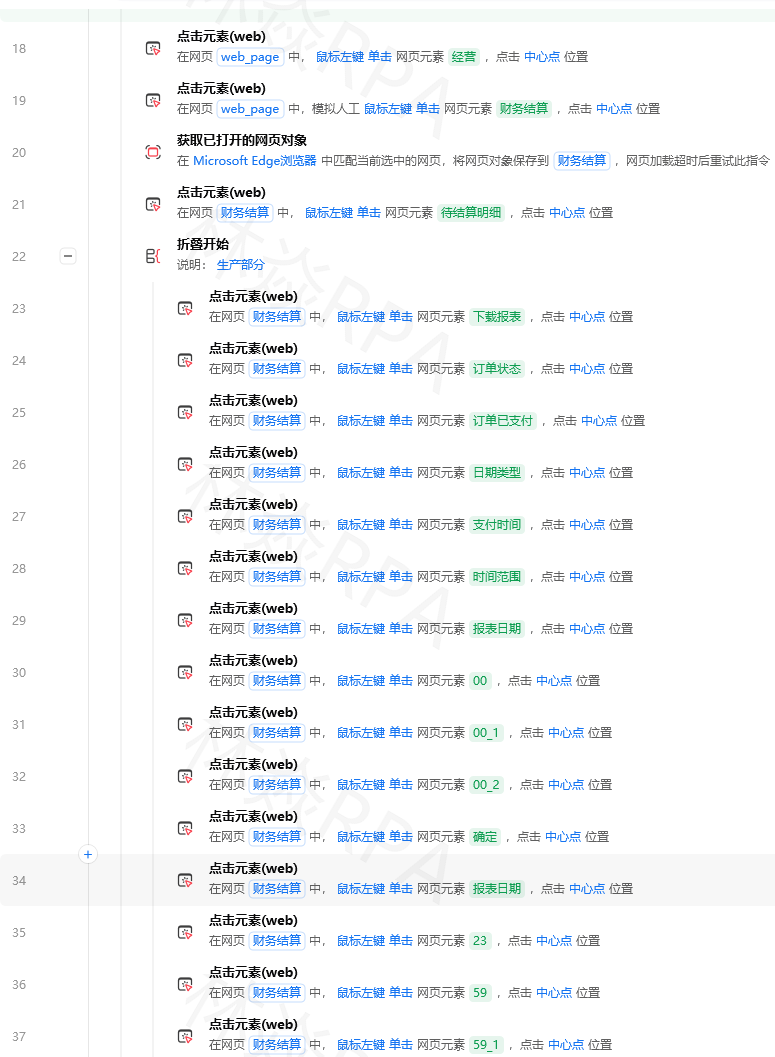
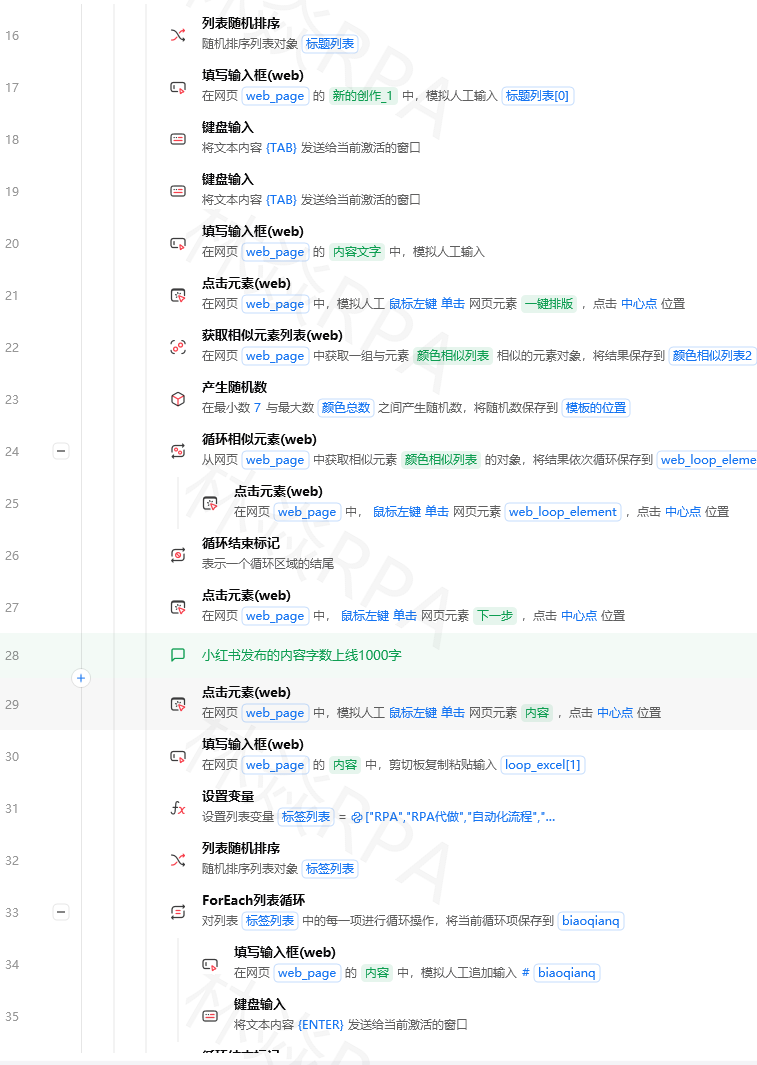
拼多多店群自动化报活动上架!
数据来源:
  ├── 微博(关键词搜索)
  ├── 知乎(话题搜索)
  ├── 新闻网站(RSS订阅)
  └── 百度指数(品牌声量)

处理流程:
  采集数据 → 关键词过滤 → 情感判断 → 风险评分 → 告警/汇总报告
二、RSS新闻监控(最简单稳定的方案)
很多新闻网站提供RSS订阅,不需要爬虫就能获取内容,是舆情监控的首选数据源。
import feedparser
import requests
import json
import time
import datetime
import re
from collections import defaultdict

def monitor_rss_feeds(feed_urls, keywords, lookback_hours=24):
    """
    监控RSS新闻中的关键词
    feed_urls: RSS地址列表
    keywords: 监控关键词列表
    lookback_hours: 只看最近N小时的内容
    """
    cutoff_time = datetime.datetime.now() - datetime.timedelta(hours=lookback_hours)

    matched_articles = []

    for feed_url in feed_urls:
        try:
            feed = feedparser.parse(feed_url)

            for entry in feed.entries:
                # 解析发布时间
                if hasattr(entry, 'published_parsed'):
                    import calendar
                    pub_time = datetime.datetime.fromtimestamp(calendar.timegm(entry.published_parsed))
                else:
                    pub_time = datetime.datetime.now()

                # 只处理时间窗口内的文章
                if pub_time < cutoff_time:
                    continue

                # 标题+摘要全文搜索
                full_text = f"{entry.get('title', '')} {entry.get('summary', '')}"

                matched_keywords = [kw for kw in keywords if kw in full_text]

                if matched_keywords:
                    matched_articles.append({
                        "来源": feed.feed.get('title', feed_url),
                        "标题": entry.get('title', ''),
                        "摘要": entry.get('summary', '')[:200],
                        "链接": entry.get('link', ''),
                        "发布时间": pub_time.strftime('%Y-%m-%d %H:%M'),
                        "命中关键词": ", ".join(matched_keywords),
                    })

        except Exception as e:
            print(f"RSS采集失败:{feed_url} - {e}")

    return matched_articles

# 配置RSS源
RSS_FEEDS = [
    "https://36kr.com/feed",               # 36氪
    "https://www.huxiu.com/rss/",          # 虎嗅
    "https://www.ifanr.com/feed",          # 爱范儿
    "https://news.qq.com/rss/tech.xml",    # 腾讯科技
    # 还可以添加各平台的搜索RSS:如百度新闻、Google News的搜索结果RSS
]

# 监控关键词
KEYWORDS = ["品牌A", "品牌A食品", "品牌A安全", "公司名称", "产品名"]

articles = monitor_rss_feeds(RSS_FEEDS, KEYWORDS)
print(f"发现{len(articles)}篇相关文章")
三、情感分析(判断正面/负面)
from snownlp import SnowNLP  # pip install snownlp

# 负面词汇词典(可自定义扩展)
NEGATIVE_WORDS = [
    "投诉", "举报", "欺诈", "虚假", "问题", "缺陷", "召回",
    "致癌", "危险", "事故", "处罚", "罚款", "违规", "索赔",
    "退款", "维权", "曝光", "负面", "差评", "中毒", "过期"
]

POSITIVE_WORDS = [
    "好评", "推荐", "优质", "创新", "突破", "荣获", "获奖",
    "上市", "合作", "融资", "获批", "认证"
]

def analyze_sentiment(text):
    """
    情感分析,返回风险级别
    returns: (sentiment_score, risk_level)
    """
    # SnowNLP情感得分:0-1,越接近1越正面
    try:
        sentiment_score = SnowNLP(text).sentiments
    except:
        sentiment_score = 0.5  # 无法判断时返回中性

    # 负面词计数
    negative_count = sum(1 for word in NEGATIVE_WORDS if word in text)
    positive_count = sum(1 for word in POSITIVE_WORDS if word in text)

    # 综合判断风险级别
    if negative_count >= 3 or sentiment_score < 0.2:
        risk_level = "高风险"
    elif negative_count >= 1 or sentiment_score < 0.4:
        risk_level = "中风险"
    elif positive_count >= 2 or sentiment_score > 0.7:
        risk_level = "正面"
    else:
        risk_level = "中性"

    return sentiment_score, risk_level, negative_count

# 对采集到的文章进行情感分析
for article in articles:
    score, risk, neg_count = analyze_sentiment(
        article['标题'] + ' ' + article['摘要']
    )
    article['情感得分'] = round(score, 3)
    article['风险级别'] = risk
    article['负面词数量'] = neg_count

# 按风险排序
articles.sort(key=lambda x: ['高风险', '中风险', '中性', '正面'].index(x.get('风险级别', '中性')))
四、实时告警推送
def send_alert(articles, webhook_url):
    """
    推送高风险内容告警
    """
    high_risk = [a for a in articles if a.get('风险级别') == '高风险']

    if not high_risk:
        return

    alert_content = f"## ⚠️ 舆情风险告警\n\n"
    alert_content += f"发现 **{len(high_risk)}** 条高风险内容,请立即关注:\n\n"

    for i, article in enumerate(high_risk[:5], 1):  # 最多显示5条
        alert_content += f"**{i}. [{article['标题']}]({article['链接']})**\n"
        alert_content += f"> 来源:{article['来源']} | 时间:{article['发布时间']}\n"
        alert_content += f"> 命中关键词:`{article['命中关键词']}`\n"
        alert_content += f"> {article['摘要'][:100]}...\n\n"

    if len(high_risk) > 5:
        alert_content += f"\n> 还有{len(high_risk)-5}条未展示,请查看完整报告\n"

    # 发送到企业微信群
    import requests
    payload = {"msgtype": "markdown", "markdown": {"content": alert_content}}
    resp = requests.post(webhook_url, json=payload)
    print(f"告警已推送:{resp.json()}")

ALERT_WEBHOOK = "https://qyapi.weixin.qq.com/cgi-bin/webhook/send?key=你的key"
send_alert(articles, ALERT_WEBHOOK)
五、每日舆情汇总报告
import openpyxl
from openpyxl.styles import PatternFill, Font, Alignment

def generate_daily_report(articles, output_file=None):
    """生成每日舆情汇总Excel报告"""
    if output_file is None:
        date_str = datetime.datetime.now().strftime('%Y%m%d')
        output_file = f"舆情监控报告_{date_str}.xlsx"

    wb = openpyxl.Workbook()

    # Sheet1:概览
    ws_summary = wb.active
    ws_summary.title = "每日概览"

    total = len(articles)
    risk_counts = defaultdict(int)
    for a in articles:
        risk_counts[a.get('风险级别', '未知')] += 1

    ws_summary.append(["舆情监控日报", datetime.datetime.now().strftime('%Y-%m-%d')])
    ws_summary.append([])
    ws_summary.append(["风险级别", "数量", "占比"])

    for risk_level in ['高风险', '中风险', '中性', '正面']:
        count = risk_counts.get(risk_level, 0)
        ws_summary.append([risk_level, count, f"{count/total*100:.1f}%" if total else "0%"])

    ws_summary.append(["合计", total, "100%"])

    # Sheet2:明细
    ws_detail = wb.create_sheet("明细数据")
    headers = ["来源", "标题", "风险级别", "情感得分", "命中关键词", "发布时间", "摘要", "链接"]
    ws_detail.append(headers)

    # 设置标题样式
    for cell in ws_detail[1]:
        cell.font = Font(bold=True)
        cell.fill = PatternFill(start_color="1565C0", fill_type="solid")
        cell.font = Font(bold=True, color="FFFFFF")

    # 风险级别对应颜色
    risk_colors = {
        "高风险": "FF6B6B",
        "中风险": "FFB347",
        "中性": "E0E0E0",
        "正面": "90EE90"
    }

    for article in articles:
        row = [
            article.get('来源', ''),
            article.get('标题', ''),
            article.get('风险级别', ''),
            article.get('情感得分', ''),
            article.get('命中关键词', ''),
            article.get('发布时间', ''),
            article.get('摘要', ''),
            article.get('链接', ''),
        ]
        ws_detail.append(row)

        # 按风险级别着色
        risk = article.get('风险级别', '中性')
        color = risk_colors.get(risk, 'E0E0E0')
        fill = PatternFill(start_color=color, fill_type="solid")
        for cell in ws_detail[ws_detail.max_row]:
            cell.fill = fill

    # 调整列宽
    ws_detail.column_dimensions['B'].width = 40
    ws_detail.column_dimensions['G'].width = 50
    ws_detail.column_dimensions['H'].width = 50

    wb.save(output_file)
    print(f"舆情报告已生成:{output_file}")
    return output_file
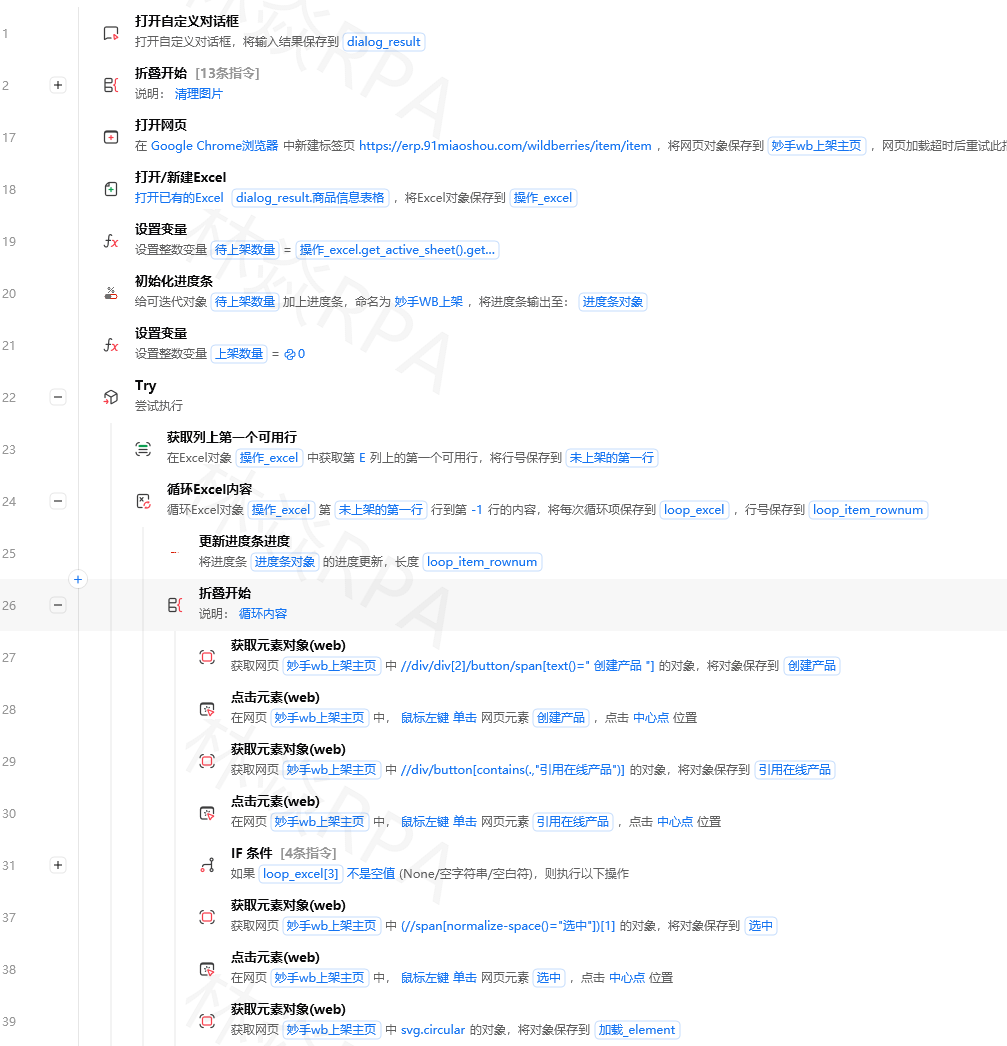
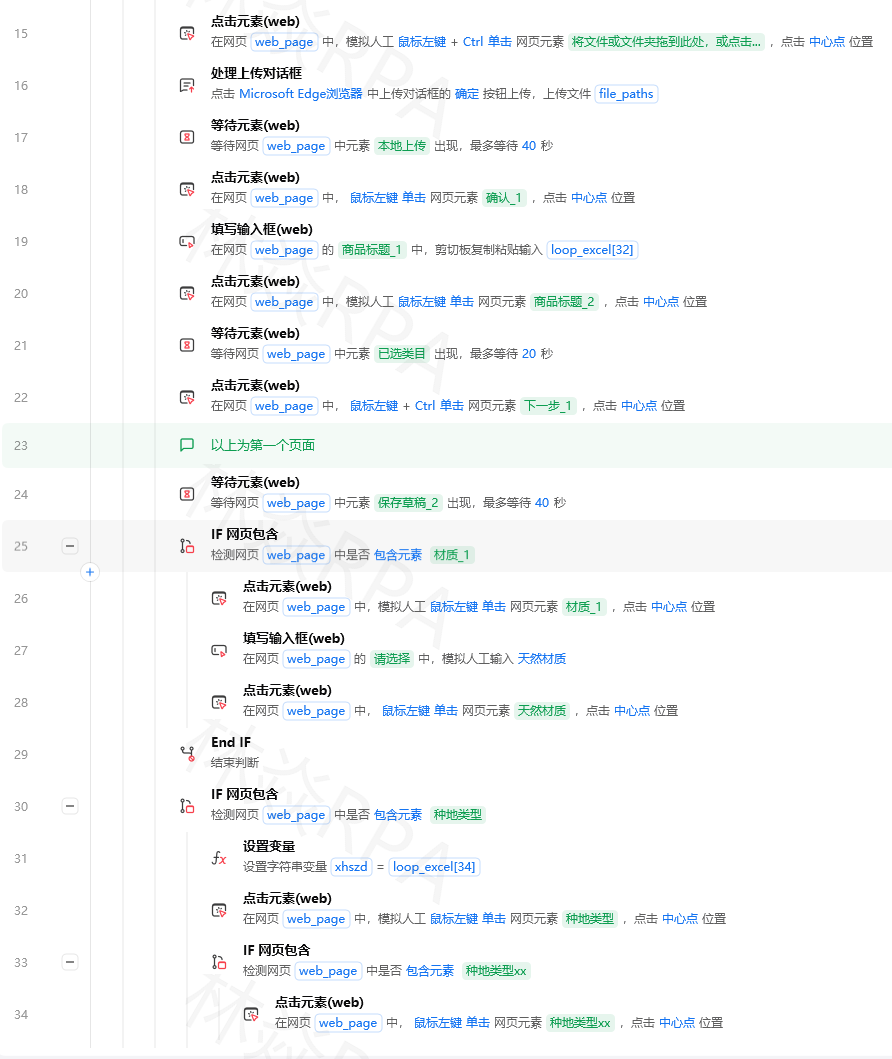
TEMU店群矩阵自动化运营核价报活动
六、完整定时执行流程
def run_sentiment_monitoring():
    """完整的舆情监控流程"""
    print(f"[{datetime.datetime.now().strftime('%Y-%m-%d %H:%M')}] 开始舆情监控...")

    # 1. 采集
    articles = monitor_rss_feeds(RSS_FEEDS, KEYWORDS, lookback_hours=2)

    # 2. 情感分析
    for article in articles:
        text = article['标题'] + ' ' + article['摘要']
        score, risk, neg_count = analyze_sentiment(text)
        article.update({'情感得分': score, '风险级别': risk, '负面词数量': neg_count})

    # 3. 告警
    send_alert(articles, ALERT_WEBHOOK)

    # 4. 每天早上8点生成日报
    if datetime.datetime.now().hour == 8:
        report_file = generate_daily_report(articles)
        print(f"日报已生成:{report_file}")

    print(f"监控完成,共分析{len(articles)}条内容")

# 在影刀中设置每2小时执行一次
run_sentiment_monitoring()
七、踩坑记录
坑1:SnowNLP对网络语言识别不准
SnowNLP是基于微博语料训练的,对中规中矩的新闻文章识别准确率约70%。提高准确率的方法:结合自定义负面词典,负面词数量比情感得分更可靠。
坑2:RSS源有些不稳定
部分媒体的RSS地址会变化或停更。建议定期检查RSS是否还有更新,超过7天没新内容的RSS源标记为失效。
坑3:中文分词影响关键词匹配
直接字符串匹配"品牌A" in text可以用,但对"品/牌/A"这类被分词打散的情况无效。建议同时用jieba分词后匹配:"品牌A" in " ".join(jieba.cut(text))。
坑4:同一条内容被多个源重复收录
同一篇文章可能出现在多个RSS源里,需要URL去重。用文章链接的MD5作为唯一标识,已处理的链接存到文件或SQLite里,避免重复告警。
总结
舆情监控系统的三个核心:数据采集(RSS是最稳的免费方案)、情感判断(规则词典+SnowNLP双保险)、及时告警(企业微信群机器人实时推送)。搭好后,高风险内容第一时间到手机,不再靠人工刷屏。
署名:林焱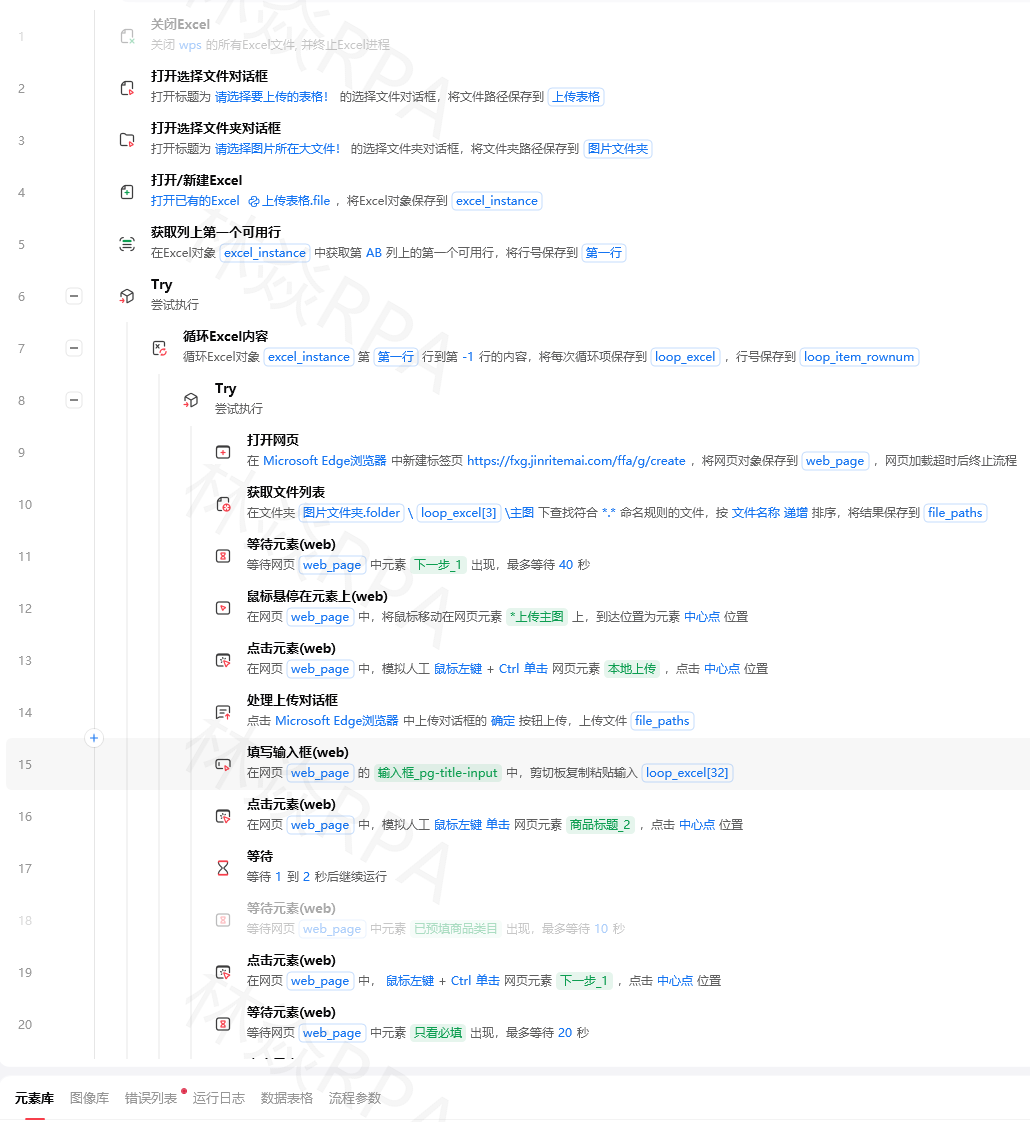

DAMO开发者矩阵,由阿里巴巴达摩院和中国互联网协会联合发起,致力于探讨最前沿的技术趋势与应用成果,搭建高质量的交流与分享平台,推动技术创新与产业应用链接,围绕“人工智能与新型计算”构建开放共享的开发者生态。
更多推荐

 0
0 0
0- 0


 已为社区贡献7条内容

所有评论(0)