Python写一个微信自动回复的机器人
·
一、我们要先安装一个py第三方库itchat(用于微信回复的)
安转:pip install itchat
不会用pip的可以看我之前的博客
http://blog.csdn.net/junmoxi/article/details/63687785
二、去图灵官网注册一个账号
然后添加一个免费得机器人
记着它的APIkey
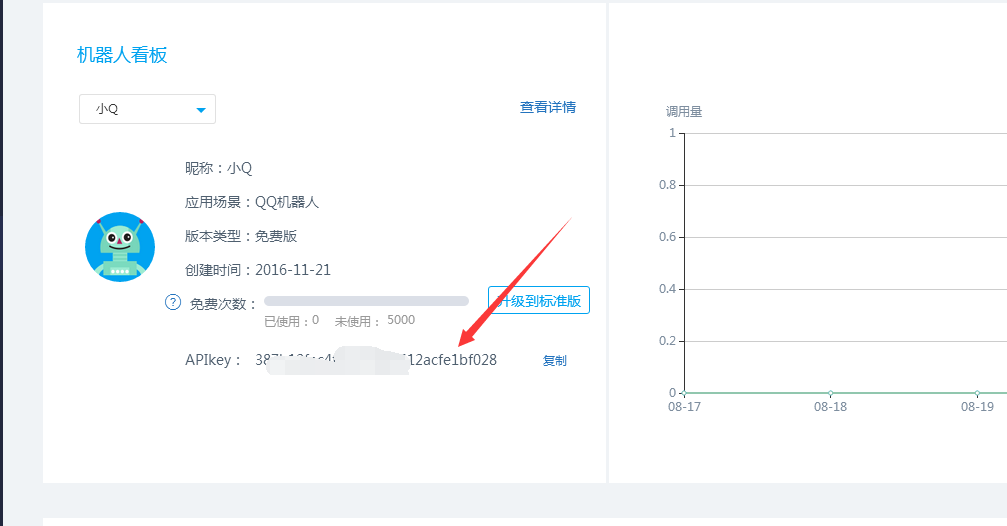
三、编写代码
#coding:utf-8
import requests
import itchat #这是一个用于微信回复的库

KEY = '387b12fac4fd406380f412acfe1bf028' #这个key可以直接拿来用

# 向api发送请求
def get_response(msg):
  Url = 'http://www.tuling123.com/openapi/api'
  data = {
    'key'  : KEY,
    'info'  : msg,
    'userid' : 'pth-robot',
  }
  try:
    r = requests.post(Url, data=data).json()
    return r.get('text')
  except:
    return

# 注册方法
@itchat.msg_register(itchat.content.TEXT)
def tuling_reply(msg):
  # 为了保证在图灵Key出现问题的时候仍旧可以回复,这里设置一个默认回复
  defaultReply = 'I received: ' + msg['Text']
  # 如果图灵Key出现问题,那么reply将会是None
  reply = get_response(msg['Text'])
  # a or b的意思是,如果a有内容,那么返回a,否则返回b
  return reply or defaultReply

# 为了让修改程序不用多次扫码,使用热启动
itchat.auto_login(hotReload=True)
itchat.run()
#coding:utf-8
import requests
import itchat #这是一个用于微信回复的库

KEY = '387b12fac4fd406380f412acfe1bf028' #这个key可以直接拿来用

# 向api发送请求
def get_response(msg):
  Url = 'http://www.tuling123.com/openapi/api'
  data = {
    'key'  : KEY,
    'info'  : msg,
    'userid' : 'pth-robot',
  }
  try:
    r = requests.post(Url, data=data).json()
    return r.get('text')
  except:
    return

# 注册方法
@itchat.msg_register(itchat.content.TEXT)
def tuling_reply(msg):
  # 为了保证在图灵Key出现问题的时候仍旧可以回复,这里设置一个默认回复
  defaultReply = 'I received: ' + msg['Text']
  # 如果图灵Key出现问题,那么reply将会是None
  reply = get_response(msg['Text'])
  # a or b的意思是,如果a有内容,那么返回a,否则返回b
  return reply or defaultReply

# 为了让修改程序不用多次扫码,使用热启动
itchat.auto_login(hotReload=True)
itchat.run()
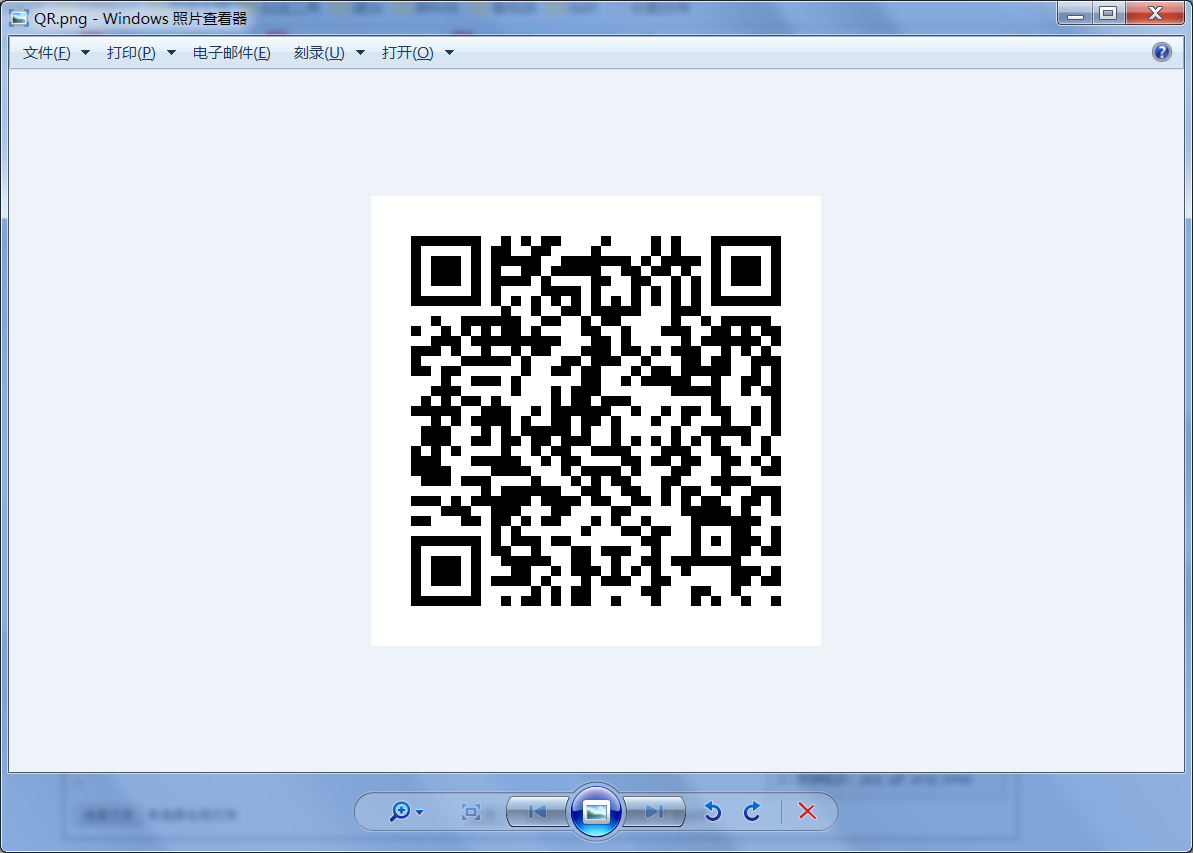
五、用手机打开微信扫描一下就可以了

DAMO开发者矩阵,由阿里巴巴达摩院和中国互联网协会联合发起,致力于探讨最前沿的技术趋势与应用成果,搭建高质量的交流与分享平台,推动技术创新与产业应用链接,围绕“人工智能与新型计算”构建开放共享的开发者生态。
更多推荐
 1
1 0
0- 0


 已为社区贡献1条内容

所有评论(0)