python人脸识别比对
·
python人脸识别比对
安装相关库。
安装opencv-python库:pip install opencv-python。
安装face_recognition库:pip install face_recognition。
注:安装不成功,请下载visual studio,会自动配置环境即可成功安装face_recognition)
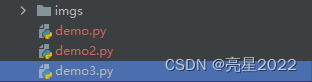
项目目录:
参考代码:
demo3.py
# 导入图片
image1 = face_recognition.load_image_file('imgs/jz.jpg')
image2 = face_recognition.load_image_file('imgs/zhangjie.jpeg')

# 人脸识别
encodings1 = face_recognition.face_encodings(image1)
encodings2 = face_recognition.face_encodings(image2)

# 人脸位置
locations1 = face_recognition.face_locations(image1)
locations2 = face_recognition.face_locations(image2)

# 人脸数据
face1 = encodings1[0]
face2 = encodings2[0]

res = face_recognition.compare_faces([face1], face2, 0.5)
if res == [True]:
    text = 'PASS'
else:
    text = 'NO'

# 将文字打印在图片上
for x, y, w, h in locations1:
    cv2.rectangle(image1, (y, w), (h, x), (255, 0, 0), 2)
    cv2.putText(image1, text, (y - 10, w - 10), cv2.FONT_HERSHEY_COMPLEX, 0.8, (0, 255, 0), 2)
frame1 = cv2.cvtColor(image1, cv2.COLOR_BGR2RGB)
# 将文字打印在图片上
for x, y, w, h in locations2:
    cv2.rectangle(image2, (y, w), (h, x), (255, 0, 0), 2)
    cv2.putText(image2, text, (y - 10, w - 10), cv2.FONT_HERSHEY_COMPLEX, 0.8, (0, 255, 0), 2)
frame2 = cv2.cvtColor(image2, cv2.COLOR_BGR2RGB)
cv2.imshow('1', frame1)
cv2.imshow('2', frame2)
cv2.waitKey(0)
cv2.destroyAllWindows()
运行结果:
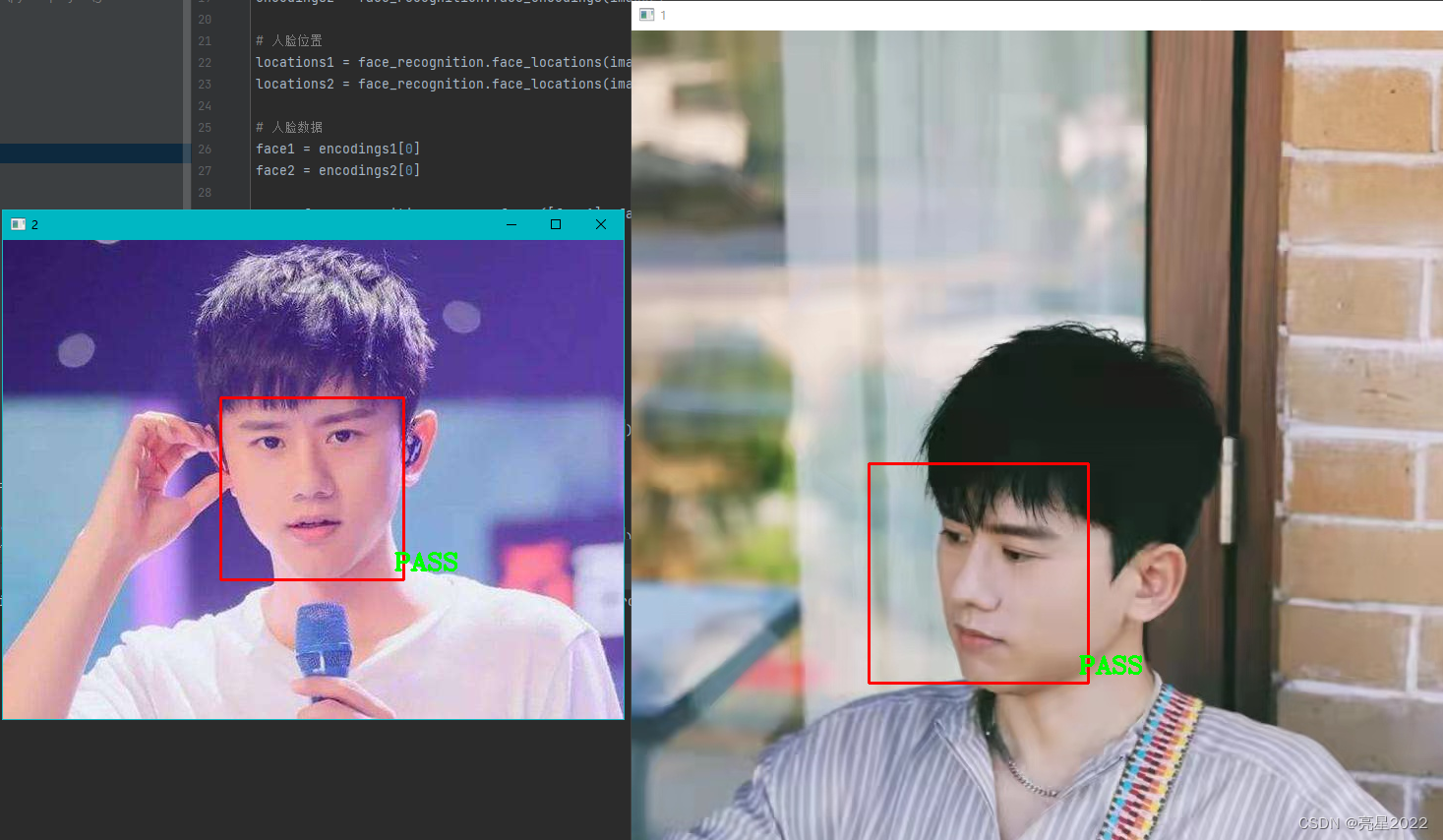
识别出两张图片是同一人脸,显示结果为“pass”!!!

DAMO开发者矩阵,由阿里巴巴达摩院和中国互联网协会联合发起,致力于探讨最前沿的技术趋势与应用成果,搭建高质量的交流与分享平台,推动技术创新与产业应用链接,围绕“人工智能与新型计算”构建开放共享的开发者生态。
更多推荐

 0
0 0
0- 0


 已为社区贡献1条内容

所有评论(0)